




















Business Central Migration Services for a Secure, Low-Risk ERP Transition
Driving productivity and connectivity across the enterprise ecosystem through Dynamics 365 Business Central migration services



Replacing outdated on-premises infrastructure with a cloud-native ERP to unify financial and operational data
Organizational growth is often stunted due to siloed spreadsheets and expensive on-premises servers that restrict data visibility and affect collaboration between teams. We help you move from such legacy ERP or accounting environments to Business Central, fostering centralized operations and scalability while protecting your financial and operational data.
Our functional knowledge of ERP processes and hands-on experience with cloud architecture and legacy system architectures allow us to use migration as an opportunity to simplify rather than recreate legacy complexity.
Signs your current ERP environment is holding the business back
Organizations often end up running their business on Excel rather than ERP. This results in an ecosystem where teams are oblivious to inventory levels and have to wait for end-of-day batch processing to know actual stock levels. If you face data silos and your IT teams are repeatedly firefighting to keep the server alive or fix bugs, then your ERP systems don’t just need a fix but an efficiency-centric upgrade.
1. Legacy ERP approaching end of life
When your vendor is about to stop security patches and regulatory updates, leaving your system completely vulnerable.
2. Outgrowing existing accounting software
The system is not able to handle high transaction volumes and multi-entity requirements, heavily delaying your monthly closing.
3. Heavy spreadsheet dependency
Teams spend most of their time on manual data entry and Excel because the ERP cannot handle standard workflows.
4. Disconnected finance and operational systems
There is a total disconnect between inventory, sales, and accounts, forcing your team to reconcile data manually every single day.
5. Increasing maintenance costs
AMC (Annual Maintenance Contracts) have become your biggest expenses, and custom fixes are done just to keep an obsolete system alive.
What we migrate to business central

Chart of accounts
General ledger data
Customer and vendor records
Products and inventory data
Open receivables and payables
Sales and purchase records
Historical financial data
Fixed asset records
Dimensions and financial structures
Operational master data
Reports and business documents
Relevant configurations and workflows
Our numbers reflect our commitment
ERP and accounting systems we help migrate to Business Central
For organizations working with old Microsoft software like NAV or GP, it’s increasingly difficult to run expensive physical computer servers and hardware, and isolated data disconnects different departments. We help them transition to a modern cloud ecosystem without losing historical data using automated upgrade tools to replicate data structures and retain custom logic.
- Automated code conversion tools
- Historical data replication systems
- Cloud licensing optimization expertise


Move trusted data, not legacy data problems

Data discovery
Data cleansing
Duplicate identification
Data mapping
Data transformation
Master data preparation
Historical data decisions
Reconciliation
Migration validation
Data quality checks
Helping you decide what to retain, redesign, replace, or retire
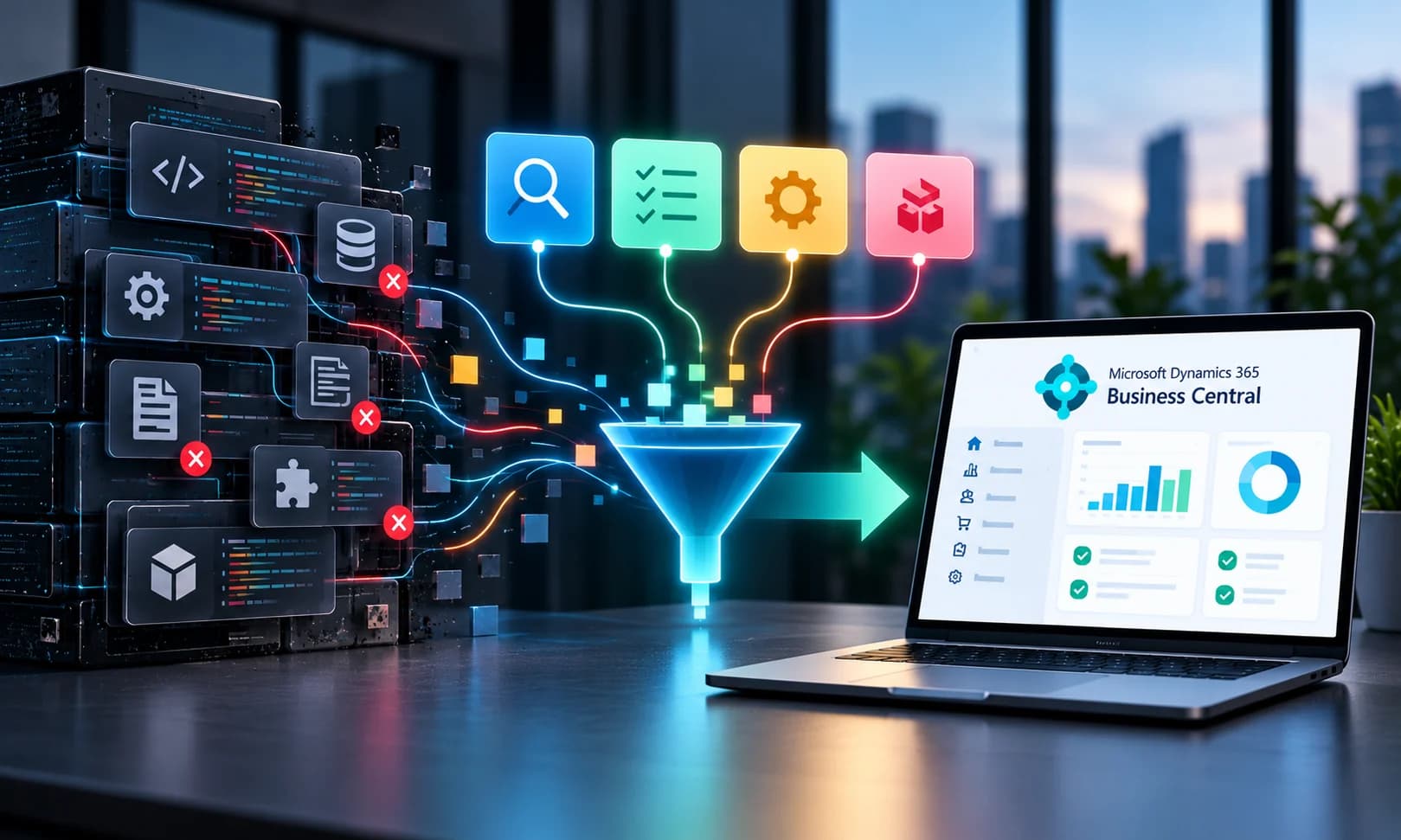
Our strategists audit your system to identify all the custom code and non-standard features that have been added to your software over time and keep only those features that are actually used by your teams. We reduce customization so that your software stays compatible with standard system updates without system crashes, offering your teams a much smoother experience.
- Evaluate existing custom functionality
- Identify requirements still relevant to the business
- Reduce unnecessary legacy complexity
- Rebuild essential extensions appropriately
Validate business central before cutover
Data reconciliation
Financial balance validation
Business process testing
Integration testing
Customization validation
Reporting validation
User acceptance testing
Role and permission validation
Cutover readiness checks
Reduce disruption during the business central transition

Cutover planning
We develop a detailed schedule for the final switch, usually over a long weekend or holiday so you know exactly when the old system stops and the new one starts.

Migration sequencing
Our experts move your data and departments in logical blocks, ensuring that your core business, like sales or HR, can keep functioning.

Business-critical process continuity
We build temporary bridges or manual workarounds so that your key operations, including daily order dispatches or customer payment processing, continue working and revenue streams don’t stop.

User readiness
We conduct role-based training using your business scenarios so that there is no drop in employee productivity when handling live customer requests.

Final data transition
Our team runs multiple trial data migrations to achieve accurate financial opening balances and active customer ledger details without losing historical records.

Go-live coordination
Our senior consultants monitor the system live as your team starts using it and resolve system and user issues with a clear process and escalate issues that need further support.

Rollback and contingency planning
We ensure that even if it goes critically wrong, you revert to your old system without losing data by creating a secure checklist and backup of your legacy ERP.

Early-life stabilization
We shadow your team during critical month-end financial closing and ensure that decision-makers get accurate management information system reports and balance sheets.
Build a stronger ERP foundation through Business Central migration
Simplified technology landscape
Lower legacy system dependency
Faster access to reliable business information
Greater organizational scalability
Better cross-functional collaboration
Increased business agility
Stronger platform maintainability
Reduced technical debt
Foundation for Microsoft-powered automation and intelligence
Our approach to business central migration
Assess
Plan
Prepare
Transition
Validate
Go live
Stabilize
Why organizations choose SHALIGRAM for Business Central migration

SHALIGRAM as your central migration partner
When you partner with us, you get a business-first migration planning approach, where your company’s core operations along with timelines are prioritized. We bring our Microsoft technology expertise to optimize your infrastructure, and our complex integration experience ensures that your legacy applications, databases, and third-party tools connect with minimal data loss and downtime.
- Data-focused migration approach
- Governance and transparency
- Enterprise delivery capabilities
- Long-term Business Central support

Achieve greater efficiency and business visibility with Microsoft Dynamics 365 Business Central
Connect with our Business Central experts today to plan a smooth transition aligned with your business goals.
FAQs
It would cost you anywhere between $20,000 and $185,000+, exclusive of licensing costs. But these are indicative estimates, not fixed prices, as factors like migration path and data volumes, along with customizations, determine the actual cost.